
Mollu
Translate what’s on your iPhone or iPad screen, right where it is
Reading a game, a webtoon or a foreign app? One press translates the text on screen and lays it right over the original. For menus and signs, just take a photo.
No account, no ads, no tracking. Text recognition and translation run on your device by default.
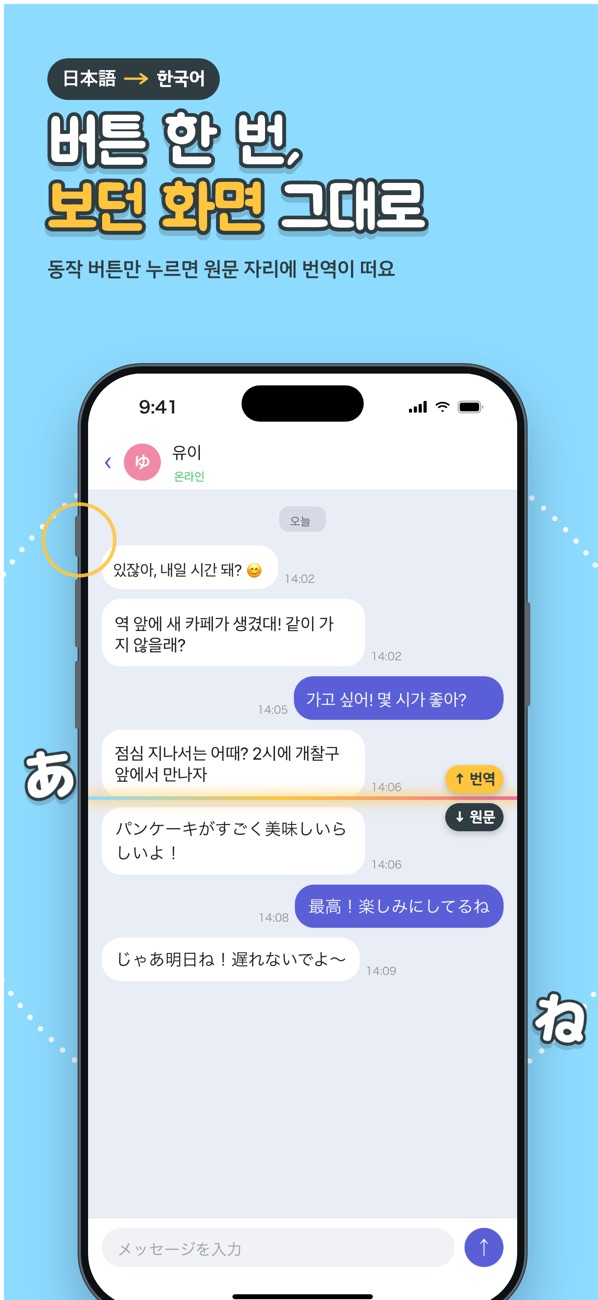
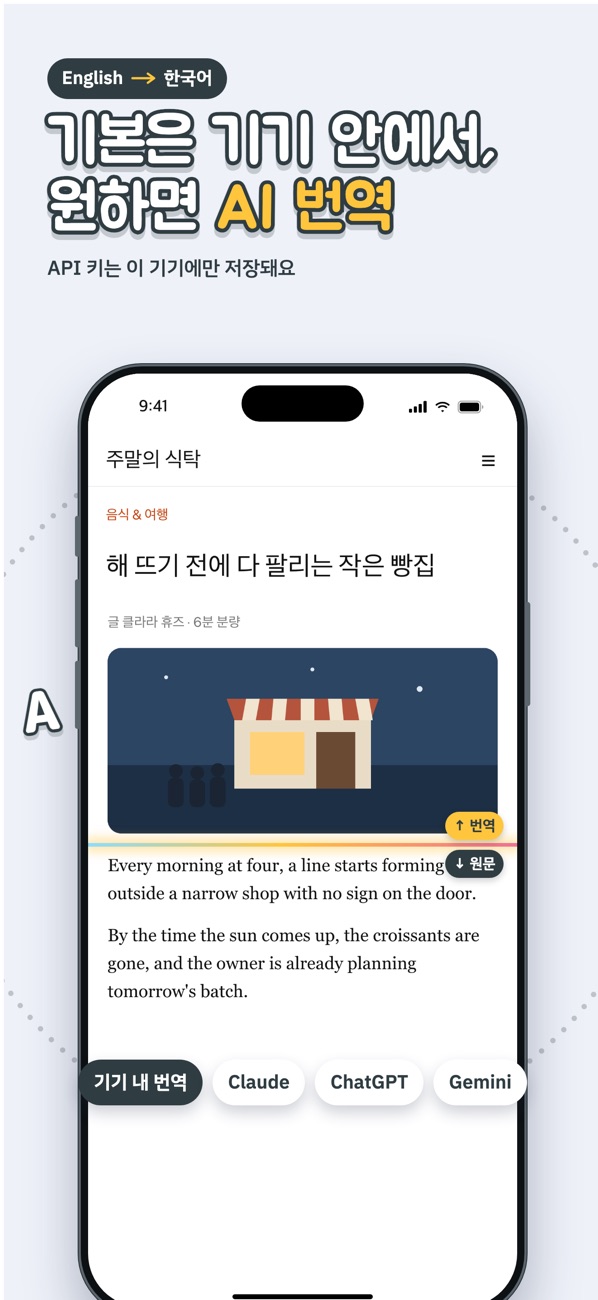
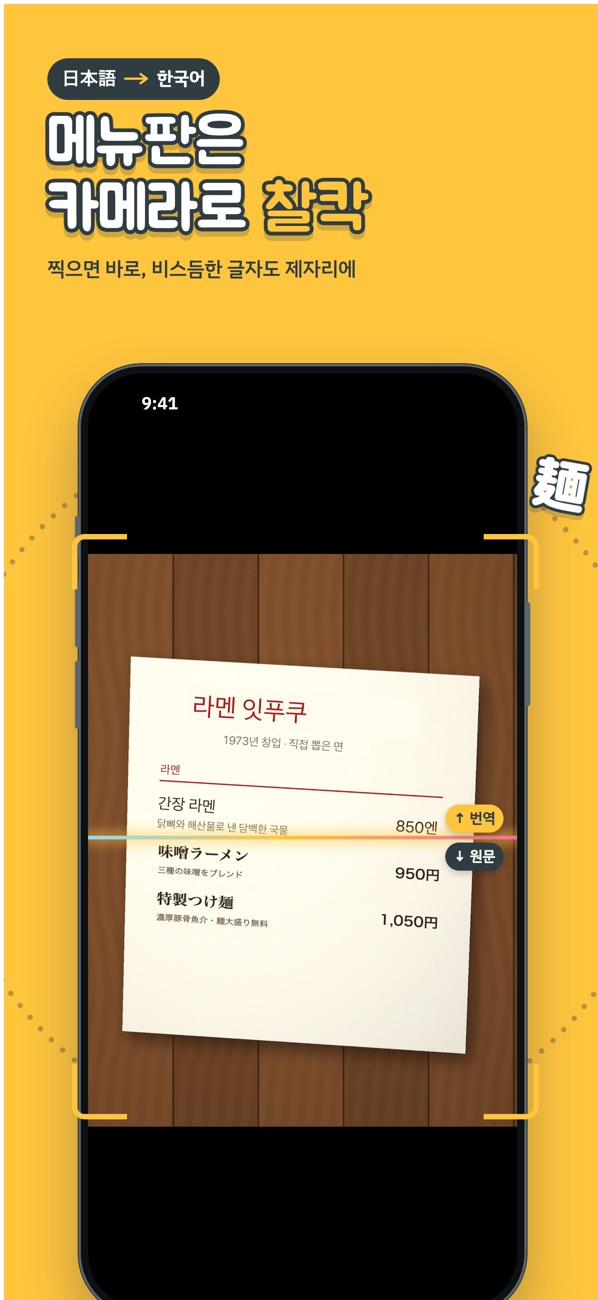
Translate with one press
Follow Settings → Help → Translate Button Setup in the app to create the shortcut, then connect it. On iPhones with the Action button, use that. On older iPhones (iPhone 15 / 15 Plus and earlier) and iPad, we recommend AssistiveTouch (Accessibility → Touch → AssistiveTouch → Single-Tap). The floating button doesn’t appear in screenshots.
Back Tap, Control Center and Siri work too, and Apple Pencil Pro squeeze on iPad.
Translation doesn’t work
Check Settings → Apple Language Packs and make sure the packs for both languages are downloaded.
Where are translated screens stored?
Only on your device. They are deleted after the retention period you choose (7 days by default).
Contact
Use Settings → Help → Report a Problem in the app, or email nyabi@tb.pro.